How to cancel Hinge subscription?
So, you’re thinking about taking a break from Hinge. Maybe you met someone. Maybe you’re done with dating apps for a while.
Or maybe you just don’t want another charge hitting your card.
And all that’s fine. However, uninstalling or even deleting your Hinge account alone won’t help. Yep! Because deleting your account will not cancel your subscription.
As a result, canceling your subscription is necessary before you can proceed to delete your account. Otherwise, Hinge will continue charging you, even if you are not on the app. Yikes!
Whatever the reason, canceling your subscription on Hinge is simple, but the exact steps depend on how you signed up.
Stay tuned!
Why People Cancel (And Why It’s Okay)?

It’s completely normal to pause a dating app.
Some people leave after finding a relationship. Others take breaks for mental clarity. And some just want to try a different platform.
Moreover, dating apps are just tools – it’s a means to an end, not the end. So, you can choose to use them (or not) and do so on your terms.
How To Cancel Hinge Subscription?

First things first: check where you subscribed.
So, you need to figure out whether you used the Play Store or signed up for the subscription through the official website of Hinge.
And figuring out things like this is the part that ends up tripping people.
Also, Hinge handles most subscriptions through its official website, not directly in the app in most cases.
For instance, I paid for the subscription through the official website.
Having said that, it is obvious (even if you don’t remember) that you likely subscribed through:
- The Apple App Store for iPhone users.
- Google Play Store for Android users.
- Hinge’s website, if you used a card online.
Once you know that, the rest is easy. Also, I’m here to walk you through the process in detail.
Additionally, for a better understanding of how to cancel paid plans on popular dating apps, I’ve covered this query in detail for both Tinder and Bumble:
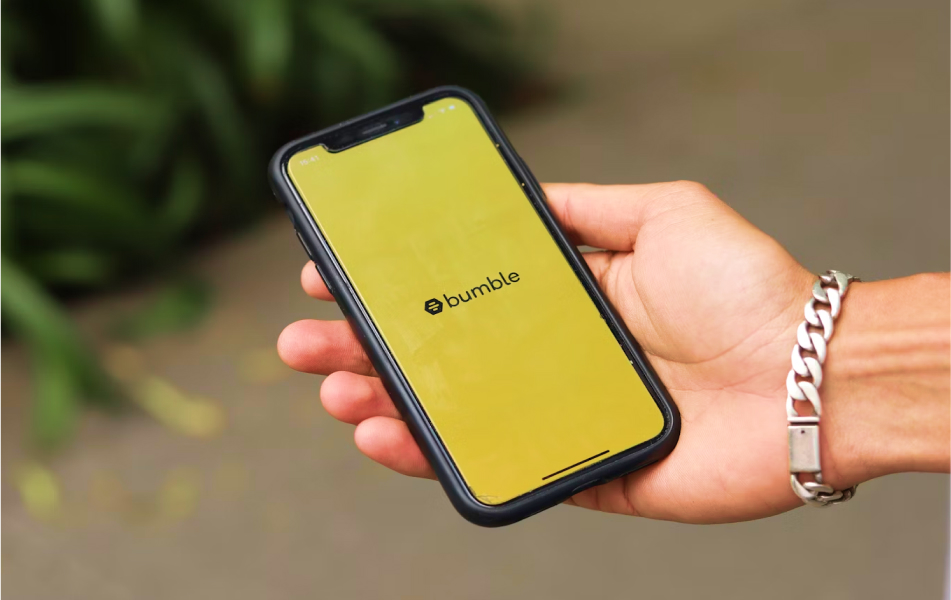
2. How to cancel Bumble subscription?
How To Cancel Hinge Subscription If You Subscribed On App Store (For Apple Users)?
If you have an iPhone and you signed up through the App Store, then Apple is in charge of your subscription, not Hinge.
So, here’s what to do in that case:
- Open your device’s Settings.’
- Tap your name at the top.
- Tap ‘Subscriptions.’
- From here, select ‘Hinge.’
- Now, tap on ‘Cancel Subscription.’
Once you click on the ‘cancel subscription’ option, Hinge will cancel your subscription.
However, you will still be able to access the premium features of the dating app until the end of your current billing cycle.
How To Cancel Hinge Subscription If You Subscribed On Google Play (For Android Users)?
Much like Apple users, Hinge is not responsible for managing and monitoring your subscriptions if you signed up through the Google PlayStore.
In that case, Google PlayStore is in charge of your subscriptions – and you have to cancel your paid Hinge plan through PlayStore.
So, here’s what to do in that case:
- Open the Google Play Store on your device.
- Tap your profile icon.
- From here, go to ‘Payments & Subscriptions.’
- Now, tap on ‘Subscriptions.’
- From here, select ‘Hinge.’
- Now, tap on ‘Cancel Subscription’ to cancel your subscription.
That’s it – quick and painless!
Also, please note that if you cancel your subscription, you can still access Hinge’s premium features until the end of your current billing cycle.
How To Cancel Hinge Subscription If You Paid Through the Hinge Website?
So, I had paid for my Hinge subscription through Hinge’s official website.
And like me, if you entered your card details directly on Hinge’s desktop site, then you will have to cancel there.
Moreover, unlike the other two options, Hinge is directly responsible for managing your subscriptions.
As a result, here’s how you cancel your subscription through the website:
- Log in to your Hinge account on a browser.
- From here, go to your ‘Account Settings.’
- Now, look for your subscription details.
- Finally, select ‘Cancel’ and cancel your subscription.
Also, if you don’t come across this particular option, then just go through your confirmation email to confirm where the payment was processed.
Do You Want To Delete Your Hinge Account Too?

So, if you think that you are done for good, then deleting your Hinge account seems like an excellent idea.
Hopefully, have already cancelled your subscription.
In that case, here’s how you can delete your Hinge account:
- Open the Hinge app on your device.
- Go to ‘Settings.’
- Now, just scroll down and tap on ‘Delete Account.’
Once you click on ‘delete account,’ Hinge will permanently delete your account. The result? You will permanently lose your profile, matches, and messages.
Also, for a better understanding of deleting your account from popular dating apps and the subsequent implications, I’ve covered this query in detail for Tinder, Bumble, and Hinge:
1. How to delete Tinder account?
2. How to delete Bumble account?
3. How to delete Hinge account?
Canceling Hinge Subscription? Important Things To Know Before You Cancel:
A few quick points people often ask about before canceling their subscriptions on dating apps like Hinge:
1. You won’t get a refund for unused time unless required by your local app store policy.
2. Deleting the app does not cancel your subscription. This is a big one. You must cancel through Apple, Google, or the website.
3. Also, your profile will remain unless you manually delete your account in the app’s settings.