
How to deactivate Hinge?
So, you have been craving a break from Hinge? Or just dating apps in general? Whatever it is, temporarily deactivating your account is a good idea.
Moreover, it takes hardly any time, and the process is super easy! The best part? Deactivating your account will hide your profile, so nobody will be able to see you.
However, at the same time, you will be able to retain your existing matches and conversations. Hinge will save all your data so that you can come back to it later.
For me, deactivating is always a better option than deleting! It’s a sort of ‘pause.’ For me, it is almost impossible to have multiple romantic conversations simultaneously – I can’t focus on more than one conversation at a time.
As a result, I always prefer deactivating my account if I meet someone special. Or let’s say I am ‘talking’ with someone, and it’s getting spicy, deactivating my account helps me focus.
Obviously, everyone isn’t the same, and there might be some other reason for you to deactivate your account.
Whatever your reasons are, I’m here to help you deactivate your Hinge account within a few minutes.
Stay tuned.
How To Deactivate Hinge? (Quick Answer)
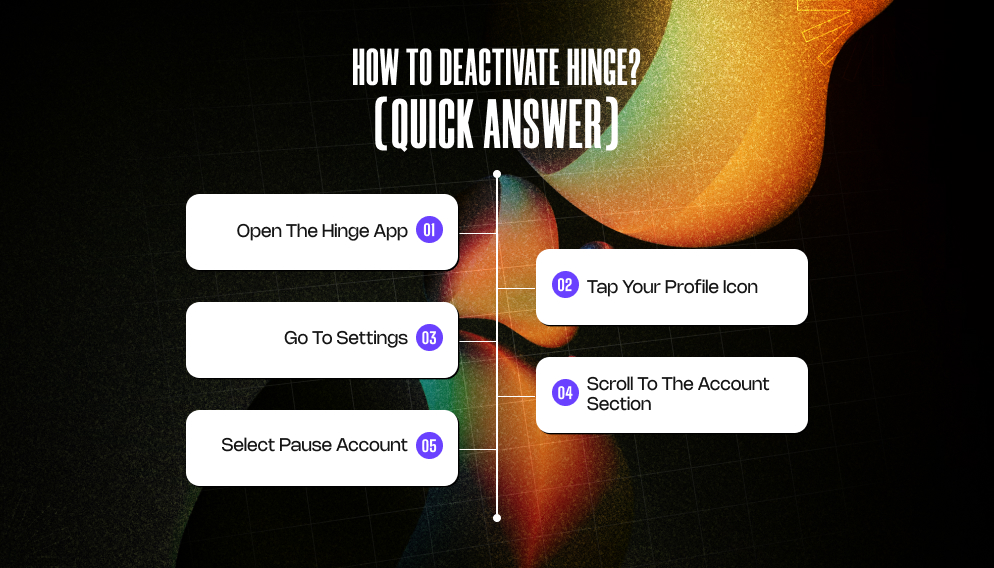
To deactivate your Hinge account:
1. Open the Hinge app.
2. Tap your Profile icon.
3. Go to Settings.
4. Scroll to the Account section.
5. Select Pause Account.
Once you have paused your account, it will no longer appear to other users, but Hinge will save your existing matches and messages.
For me, this is perhaps the easiest way to take a break from Hinge without permanently deleting your account.
Also, for a better understanding of how to deactivate your account on popular dating apps, I’ve covered this query in detail for both Tinder and Bumble:
What Does Deactivating Hinge Mean?

Like I was just saying, for me, deactivating is like going on a break when you are in a long-term relationship.
And needless to say, I’ve deactivated my account multiple times for various reasons. For me, it works better than deleting your account.
Firstly, creating an account again takes up too much time and effort.
Also, deleting your account because you want a break from dating is too lame – you know you are going to be back on the app soon.
And it’s just so much better to reactivate your account – it takes hardly any time, and the app also stores all your existing conversations and matches. TBH, it’s a win-win solution.
FYI, temporarily deactivating your Hinge account removes your profile from the platform. Moreover, other users won’t be able to see you in their feed, send likes, or start conversations.
However, the key point is that Hine will not permanently remove your account.
So, when you log back in, your matches, messages, and profile information will still be there.
What Happens After You Deactivate Hinge?
Once you deactivate your Hinge account:
- Your profile will stop appearing in the discovery section.
- New likes and matches will stop coming in.
- Existing conversations stay untouched.
- Your account data stays on Hinge’s servers.
Essentially, your Hinge profile automatically goes into a sort of ‘sleep mode.’ So, when you return, everything picks up where you left off.
How To Deactivate Hinge? Step-by-Step Guide
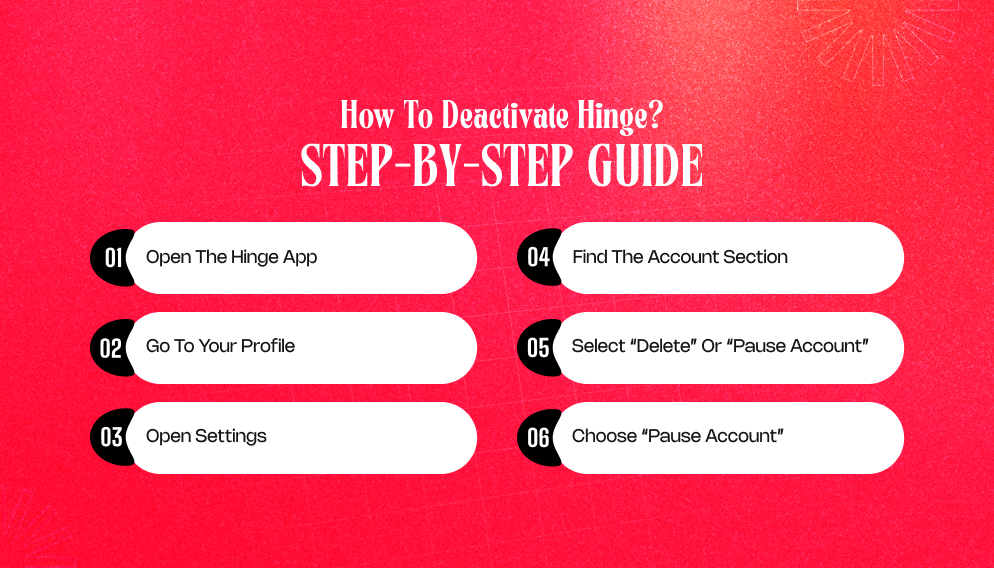
So without wasting time, you can follow these steps to deactivate your account directly from the app.
1. Open The Hinge App: Open the Hinge app on your device and log in to your account.
2. Go to Your Profile: Click on the ‘profile’ icon in the bottom-right corner of your screen.
3. Open Settings: From your profile page, click on ‘Settings’ in the top-right corner.
4. Find the Account Section: Scroll down until you see the Account section.
5. Select “Delete” Or “Pause Account”: From here, you will come across options related to your account status.
6. Choose “Pause Account”: Now, select ‘Pause Account’ if you want to temporarily deactivate Hinge without deleting your profile.
Once paused, your profile will no longer appear to other users.
How To Reactivate Your Hinge Account?
This almost always happens until you meet someone very special and decide to give long-term monogamy a shot.
So, if you decide to make a comeback at Hinge, you can always reactivate your old account – the process is easy and takes less than two minutes.
All you need to do is:
1. Open the Hinge app.
2. Log in using your previous credentials.
3. Your profile will automatically become visible again.
Also, your matches, likes, and messages should still be available.
Deactivating Vs Deleting Hinge: What’s The Difference?
Many people confuse deactivating with deleting – they are not the same thing.
| Feature | Deactivate (Pause) Account | Delete Account |
| Profile Visible | No | No |
| Matches Saved | Yes | No |
| Messages Saved | Yes | No |
| Reversible | Yes | No |
So, if you only need a temporary break, deactivation is the better option. Additionally, if you’re sure you never want to use Hinge again, deleting the account may make more sense.
Also, for a better understanding of deleting your account from popular dating apps, I’ve covered account deletion in detail for Tinder, Bumble, and Hinge:
1. How to delete Tinder account?
2. How to delete Bumble account?
3. How to delete Hinge account?
Why Do People Deactivate Hinge?
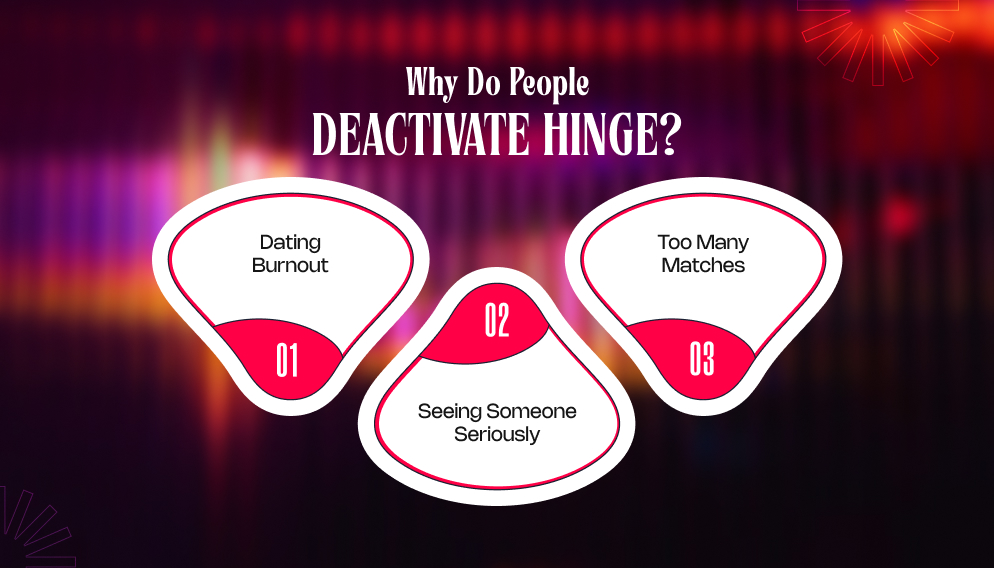
Taking a break from dating apps is more common than you might think. In this context, some of the most common reasons include:
1. Dating Burnout:
Swiping fatigue is real, and I’ve been a victim of online dating burnout. A few years ago, I was on Tinder, and initially it was fun – the options, the number of people interested in me, and the conversations.
Soon, I was overwhelmed, bored, and eventually exhausted of the same patterns – the initial butterflies leading to complete disappointment.
I remember thinking that a short break from dating apps could really change things for the better. Also, a short break can help reset your mindset.
I had taken a conscious break from dating apps – the break went for a good six months before I ended up installing a few apps again.
Since then, I’ve avoided having too many conversations at the same time or getting involved with multiple matches simultaneously.
2. Seeing Someone Seriously:
Many people pause their accounts once a relationship starts to develop. TBH, it is the right thing to do – why would you be on Hinge if you are in a serious, monogamous relationship?
Of course, for all kinds of non-monogamous arrangements, the rules are different – and you can continue to use dating apps depending on your relationship boundaries.
But for people like me, it is equivalent to cheating – yep! Using a dating app while being in an exclusively monogamous relationship is outright cheating.
So, if you are seeing someone seriously and your guys have decided to be monogamous, then it’s time to say ‘goodbye’ to Hinge.
3. Too Many Matches:
Managing multiple conversations can feel overwhelming. After one week on any dating app, I almost always end up with overwhelming feelings about so many matches and conversations.
It took me a long time to understand that I am not good at multitasking, especially when it comes to my romantic life.
For most of us, overwhelming feelings often lead to a complete burnout – like opening the app feels more like a task and less like a fun activity.
So if you have been feeling this way and nothing on the app seems to be helping you out, taking a break is a good idea – I highly recommend it!
Can You Hide Your Profile Instead Of Deactivating?
Yes. Hinge also offers a “pause” feature that prevents your profile from appearing in new feeds while keeping your account active.
This is useful if you:
- Want to stop receiving new matches.
- Still want access to existing conversations.
- Plan to return soon.
So, let’s just look at this as essentially a lighter version of deactivation.
Does Deactivating Hinge Delete Your Matches?
No. Your matches and chat history remain saved when you deactivate the account. Once you log back in, you can continue conversations from where you left off.
I’ve already said this before – this is perhaps one of the biggest benefits of deactivating your account when you need a break from Hinge.
Moreover, I feel deleting your account is a little extreme, and you should reserve it for something major, like a committed relationship or something long-term, preferably.
Having said that, remember that the only way to get rid of your matches and messages permanently is to delete your Hinge account.